
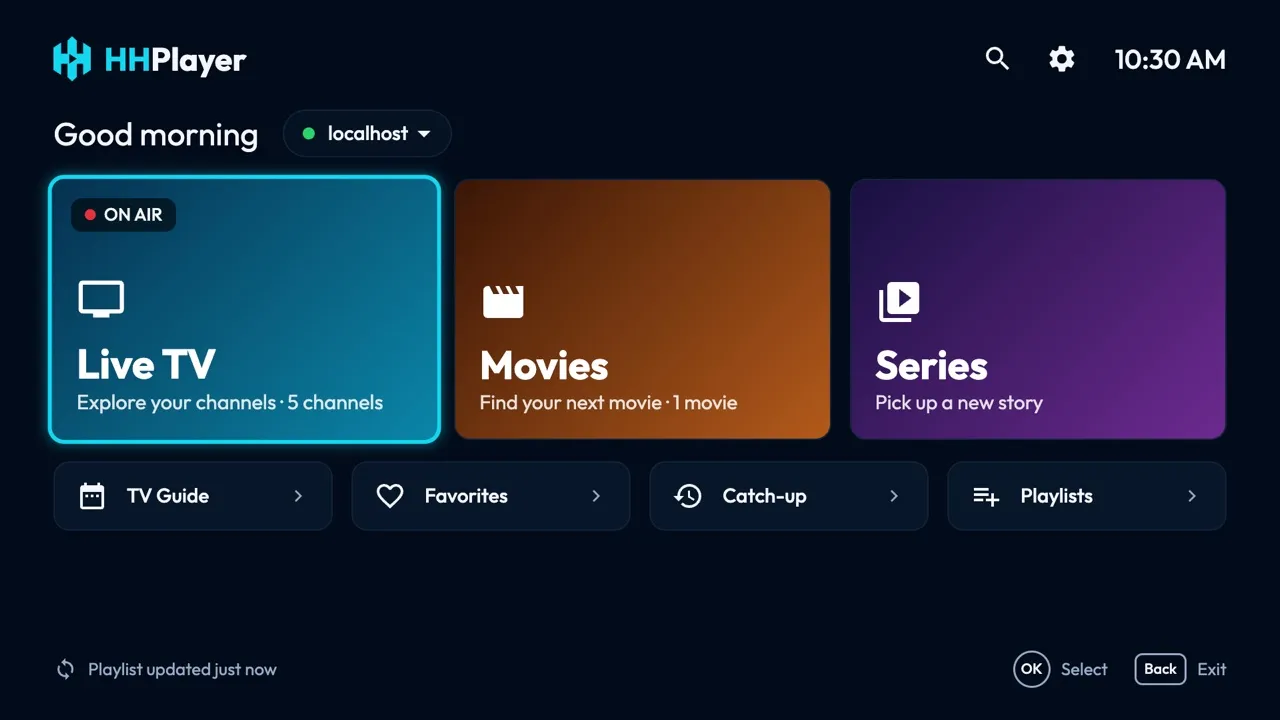
Requirements
- Android TV or Google TV, Android 7.0 or later.
- TVs, set-top boxes and sticks with an ARM processor (nearly all of them).
Install
HHPlayer is on its way to Google Play. Until then, install the APK from this site with the free Downloader app (by AFTVnews), right on the TV:
- On the TV, open Google Play, search for Downloader and install it.
- Allow it to install apps: Settings → Apps → Security & restrictions → Unknown sources → turn on Downloader. On Google TV, first turn on developer mode (Settings → System → About → press OK on Android TV OS build 7 times).
- Open Downloader, enter
hhplayer.app/apkand choose Go. - When the download finishes, choose Install, then Open.
Or download the APK on a computer and copy it to the TV with a USB drive or a file manager app. Menu names vary a little between TV makers.
First launch
On first launch HHPlayer asks for a playlist. Choose M3U playlist and enter the link from your provider, or
Xtream Codes and enter the server, username and password. Live channels load first; movies, series and the
TV guide load the first time you open them. No content is included: to try it, add the
demo playlist https://hhplayer.app/demo.m3u.
Keys and remote
| D-pad | Move between items. |
|---|---|
| OK | Select. On a channel, the first OK previews it, the second goes fullscreen. |
| Back | Back. |
| Menu | Add or remove a favorite. |
| Play / Pause | Starts the highlighted channel or movie, like OK; pauses in the player. |
| Rewind / Fast-forward | Seek in movies, episodes and catch-up; hold to go faster. |
| Next / Previous | Change channel; next episode. |
Troubleshooting
- Dolby audio (AC-3 / E-AC-3): plays through HHPlayer's own decoder when the TV lacks one.
- "Install blocked", or nothing happens after the download: allow Downloader to install unknown apps (step 2 above), then open the download again.
- Updating: install the new APK the same way, over the old one; your playlists are kept.
- Nothing loads after adding a playlist: check the link or the Xtream login; Home shows the error with Retry.
- A channel doesn't play: check it works in your provider's own player; HHPlayer plays what the provider sends and includes no content.
Still stuck? Write to [email protected].
Release history
Each APK release is listed here with what changed.