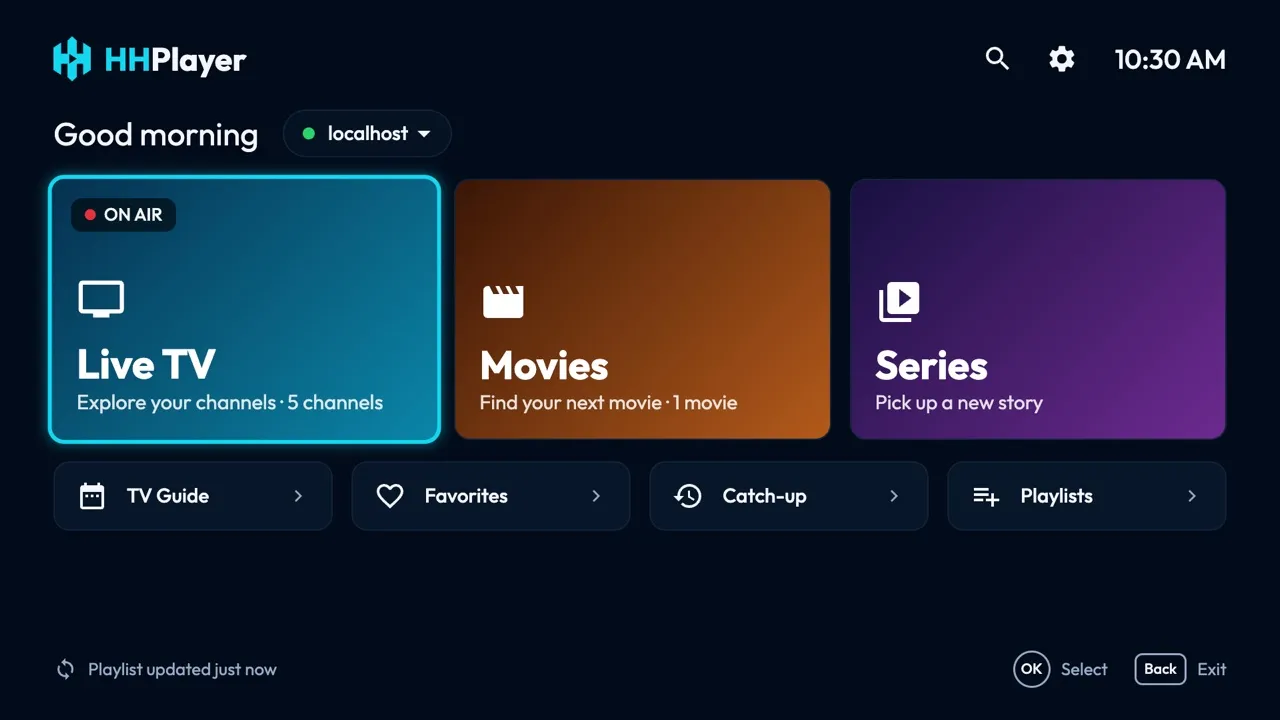
Requirements
- A 64-bit Linux desktop: Ubuntu, Debian, Fedora, Mint, Arch and others.
- x64 for most PCs; ARM64 for ARM laptops and the Raspberry Pi 4/5 with a 64-bit OS.
- About 120 MB.
- FUSE 2, which AppImages use (see Troubleshooting if it is missing).
Install
- Download the AppImage for your computer.
-
Make it executable:
chmod +x HHPlayer-linux-x86_64.AppImage, or in your file manager: Properties → Permissions → Allow executing. - Open it (double-click, or
./HHPlayer-linux-x86_64.AppImage).
First launch
On first launch HHPlayer asks for a playlist. Choose M3U playlist and paste the link from your provider, or
Xtream Codes and enter the server, username and password. Live channels load first; movies, series and the
TV guide load the first time you open them. No content is included: to try it, add the
demo playlist https://hhplayer.app/demo.m3u.
Keys and remote
| Arrow keys | Move between items, like the remote's D-pad. |
|---|---|
| Enter | OK: select. On a channel, the first OK previews it, the second goes fullscreen. |
| Esc or Backspace | Back. On Home, press twice to quit. |
| M | Add or remove a favorite (the remote's red button). |
| Space | Play / pause. |
| G | Open the TV Guide from the player. |
| F11 | Full screen. |
| Mouse | Pointing highlights, click selects, the wheel scrolls lists. |
Troubleshooting
-
It doesn't start and mentions FUSE: install FUSE 2:
sudo apt install libfuse2(libfuse2t64on Ubuntu 24.04), or run it with--appimage-extract-and-run. - Video plays without sound: streams with Dolby audio (AC-3 / E-AC-3) may play silently on Linux; other channels are unaffected.
- Nothing loads after adding a playlist: check the link or the Xtream login; Home shows the error with Retry.
- Updating: download the new AppImage and replace the old file; your playlists are kept.
Still stuck? Write to [email protected].
Release history
1.0.3 · November 3, 2026
- Desktop mouse: hovering only highlights, clicking selects; click the preview to watch full screen.
- Full-screen controls: play/pause, volume, channel list, audio, subtitles and TV Guide.
- New Settings: audio and subtitle languages, auto-refresh, 12/24-hour clock, interface size and a parental lock with PIN; new About page.
- Filter the categories in Live TV, Movies and Series; Home no longer has its own search.
- Anonymous install count (platform and version only; see the privacy policy).
1.0.1 · November 3, 2026
- HHPlayer for Linux: AppImages for x64 and ARM64 PCs.
- Simpler Add playlist page: name, server, username, password.
- Faster start: live channels load first; movies, series and the TV guide load when you open them.