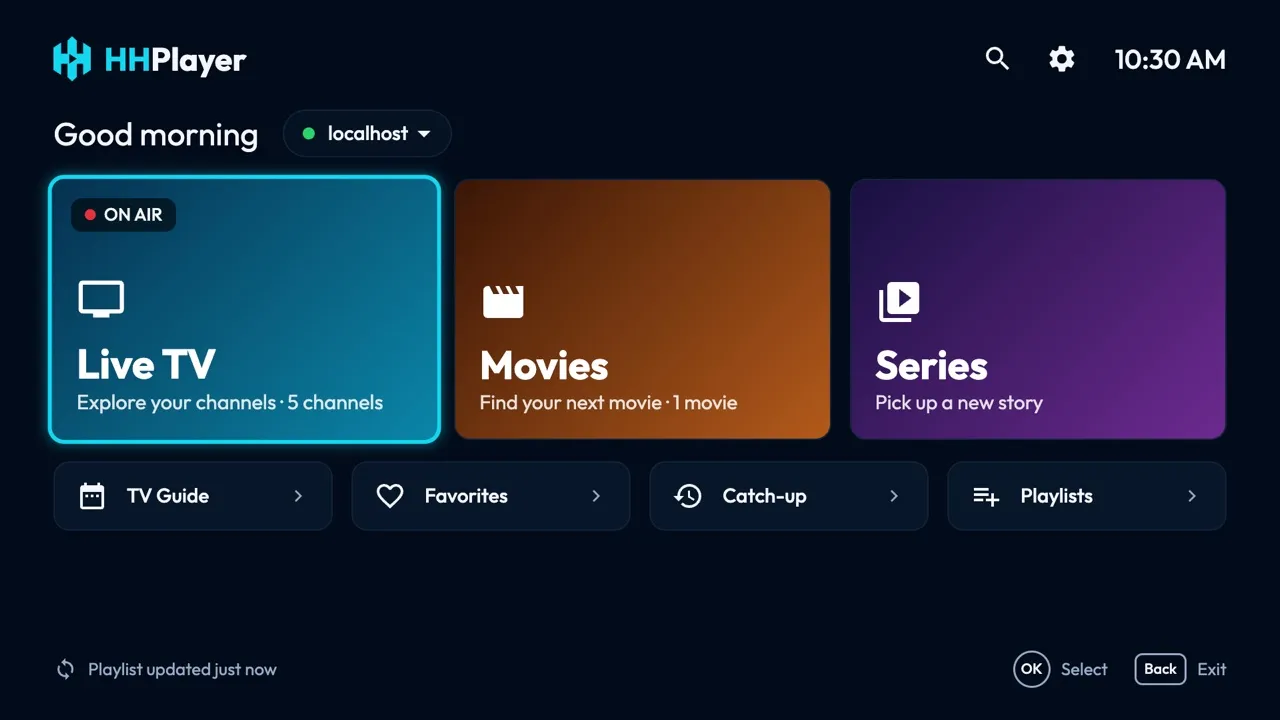
Requirements
- macOS 14 Sonoma or later.
- Apple Silicon or Intel: one universal app.
- About 40 MB.
Install
- Download
HHPlayer-mac.dmgand open it. - Drag HHPlayer to Applications.
- Open HHPlayer from Applications or Launchpad.
First launch
HHPlayer isn't signed by Apple yet, so the first time macOS may say it can't verify the app. Open System Settings → Privacy & Security, scroll down and click Open Anyway. You only do this once.
On first launch HHPlayer asks for a playlist. Choose M3U playlist and paste the link from your provider, or
Xtream Codes and enter the server, username and password. Live channels load first; movies, series and the
TV guide load the first time you open them. No content is included: to try it, add the
demo playlist https://hhplayer.app/demo.m3u.
Keys and remote
| Arrow keys | Move between items, like the remote's D-pad. |
|---|---|
| Return | OK: select. On a channel, the first OK previews it, the second goes fullscreen. |
| Esc | Back. |
| F | Add or remove a favorite. |
| Digits, + and − | In the player: type a channel number, change channel. |
| Mouse | Click selects; in the TV Guide, double-click plays and the scroll wheel moves. |
Troubleshooting
- "HHPlayer can't be opened" or "can't verify": use Open Anyway in System Settings → Privacy & Security (see First launch).
- Updates: Settings → Check for updates tells you when a new version is out; download it here and replace the app in Applications.
- A channel doesn't play: the Mac app plays with VLC, which handles almost every stream; if one still fails, check it works in your provider's own player.
- Nothing loads after adding a playlist: check the link or the Xtream login; Home shows the error with Retry.
Still stuck? Write to [email protected].
Release history
1.0.3 · November 3, 2026
- Desktop mouse: hovering only highlights, clicking selects; click the preview to watch full screen.
- Full-screen controls: play/pause, volume, channel list, audio, subtitles and TV Guide.
- New Settings: audio and subtitle languages, auto-refresh, 12/24-hour clock, interface size and a parental lock with PIN; new About page.
- Filter the categories in Live TV, Movies and Series; Home no longer has its own search.
- Anonymous install count (platform and version only; see the privacy policy).
1.0.1 · November 3, 2026
- Simpler Add playlist page: name, server, username, password.
- Faster start: live channels load first; movies, series and the TV guide load when you open them.
- Search inside Live TV, Movies or Series finds that section only.
1.0.0 · November 2, 2026
- First Mac version: the HHPlayer TV interface on your Mac, with keyboard and mouse.